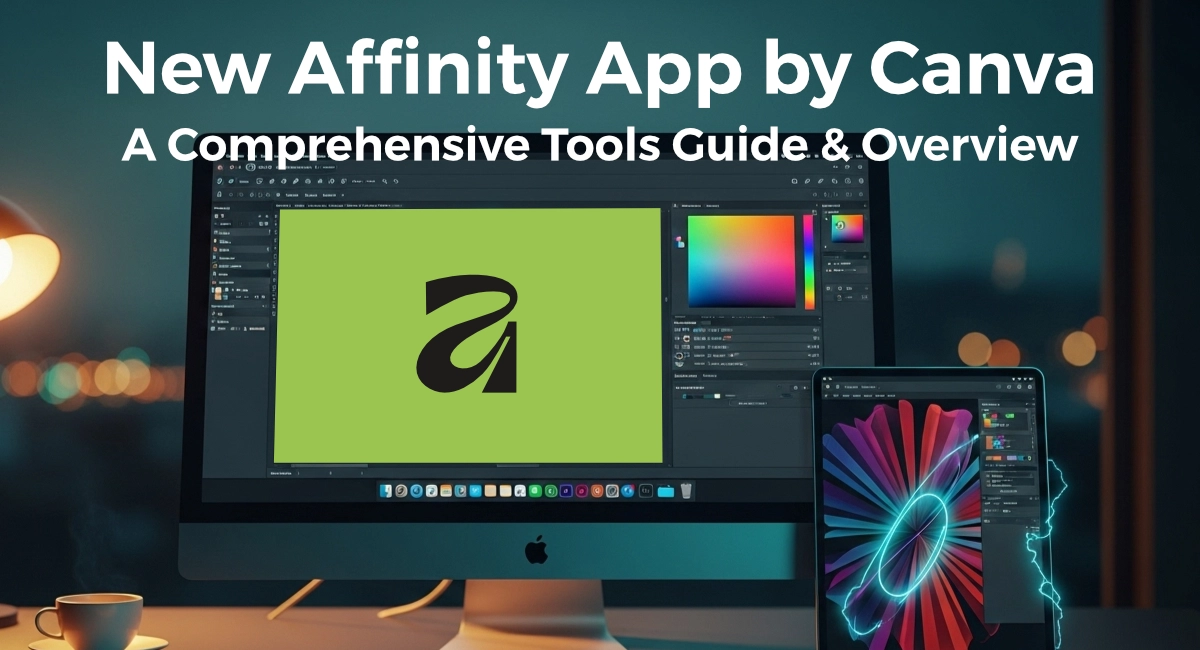
Mastering the new Affinity app by Canva starts with one simple truth: If you’ve ever stared at Adobe Creative Cloud’s monthly invoice and felt a little sick, you’re not alone. Over the past year, thousands of designers, illustrators, and small-studio owners have quietly moved their entire workflows to Affinity—and Canva’s acquisition of the suite in 2024 has only accelerated that trend. No more subscription anxiety, no forced updates in the middle of a deadline, and now seamless cloud hand-off to Canva projects if you’re collaborating with non-design teammates.
I’ve been using Affinity Designer, Photo, and Publisher daily since version 1.7 (pre-Canva era) and have run them head-to-head against Photoshop, Illustrator, and InDesign on everything from brand identity packages to 120-page magazines. This isn’t a sponsored post or a “Adobe is dead” rant—it’s simply what I’ve learned after thousands of real project hours in 2025.
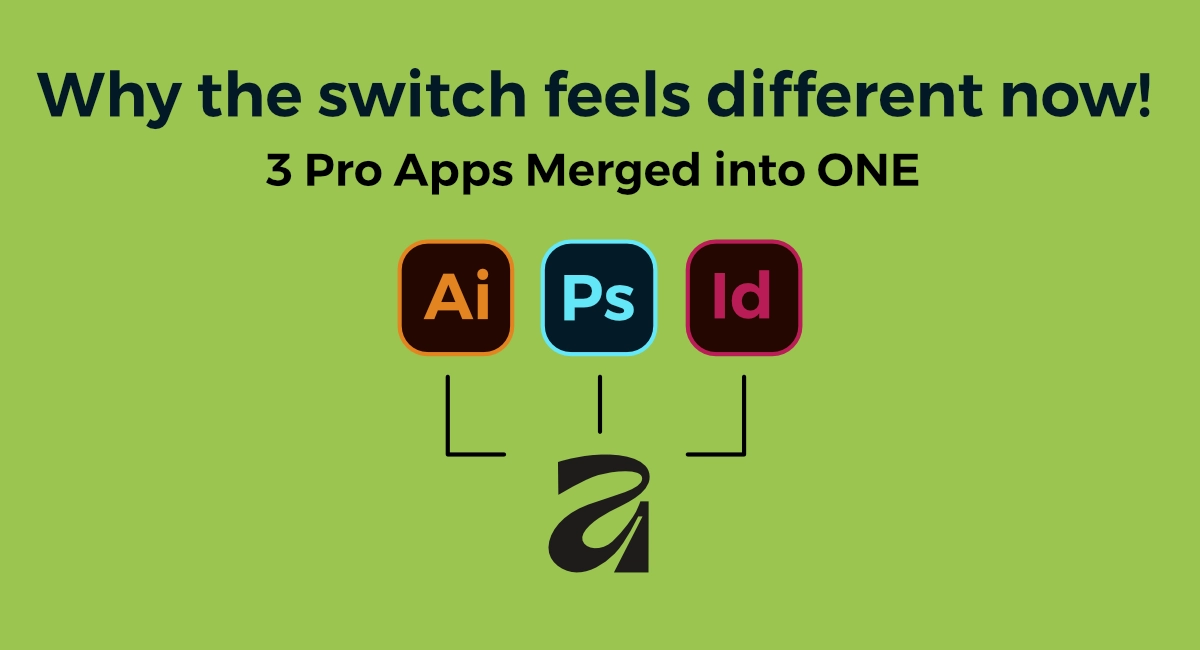
Why the switch feels different now
- One-time purchase still rules Designer, Photo, and Publisher are each $69.99 on desktop/iPad (frequent 40–50% sales bring them lower). The entire suite for life costs less than four months of Adobe’s All Apps plan.
- Canva integration is actually useful You can now send an Affinity file straight to Canva, edit with non-designers, and pull it back without flattening everything. For freelancers who deliver social assets to marketing teams, this alone is a game-changer.
- Universal license + iPad parity One license works on Mac, Windows, and iPad. The iPad versions are not “lite”—they’re the full apps with Apple Pencil hover, pressure, and tilt support that feel better than Adobe’s iPad apps in many ways.
Inside the three studios – what they actually feel like in 2025
Vector Studio (the Illustrator replacement that doesn’t make you angry)
Open a new document and you’re greeted with a clean, dark-mode-friendly interface. The toolbar will feel instantly familiar if you’ve ever touched Illustrator, but everything is snappier.
- Pen tool: rubber-band preview, smart sharp/smooth switching, and the best curve handling I’ve used outside of very high-end CAD apps.
- Corner tool: round selected corners on any shape with live drag controls—no more “rounded rectangle only” nonsense.
- Contour tool: offset paths inward or outward with a single slider and the option to “bake” the result when you’re happy.
- Shape builder: finally works the way everyone wished Illustrator’s did ten years ago.
- Vector flood fill (new in v2.5): click inside enclosed areas and fill with color, gradient, or bitmap—no more manual overlapping shapes.
Keyboard-shortcut muscle memory transfers almost perfectly. I kept 95% of my old Illustrator shortcuts without remapping anything.
Pixel Studio (Photoshop without the bloat)
Switch the persona and you’re in a full raster environment. RAM usage sits at 1–2 GB for a typical 50-layer file instead of Photoshop’s 8–12 GB.
- Live mesh warp and perspective filters are non-destructive—drop them on any layer or group and tweak forever.
- The inpainting brush is surprisingly good in 2025; it’s not Generative Fill, but for removing dust, straps, or tourists it saves me from jumping to Photoshop 80% of the time.
- Brush engine: thousands of free and paid brush packs (many imported directly from Photoshop ABR files).
- Selection tools have been massively improved—Select Subject and the refined flood select tool now handle hair and fur better than Photoshop’s older Quick Selection in many cases.
Biggest win for illustrators: you can paint with raster brushes inside vector documents and they stay live. Draw a vector character, switch to Pixel persona, shade with natural-media brushes, switch back—everything remains editable.
Layout Studio (InDesign, but actually enjoyable)
Publisher has matured into a legitimate InDesign competitor for 90% of real-world projects.
- Master pages, text styles, and text flow work exactly as you expect.
- Data merge is simple and fast—perfect for business cards, event badges, or product catalogs.
- Pinning and text wrap options are more intuitive than InDesign’s (yes, I said it).
- IDML import/export means you can usually open client InDesign files, make edits, and send them back without anyone noticing you left the Adobe ecosystem.
Print-ready PDF export is bulletproof—CMYK, bleeds, marks, and color management all just work.
Real-world performance notes (tested on M2 Max MacBook Pro & Windows Ryzen workstation)
- Opening a 200 MB layered Photoshop file: Affinity Photo = 4 seconds, Photoshop = 18 seconds
- Exporting 120 artboards as PNG/SVG: Designer = 22 seconds, Illustrator = 68 seconds
- 100-page magazine with 300 linked images: Publisher uses ~2.8 GB RAM; InDesign routinely hits 9+ GB
Your mileage will vary, but the difference is noticeable even on mid-range hardware.
The learning curve – be honest with yourself
If you’ve never used Adobe, Affinity is actually easier to learn from scratch. If you’re a 10+ year Adobe veteran, give yourself 2–4 focused weeks. The concepts are the same; only some muscle memory needs rewiring. The built-in Help panel and free 400+ page workbooks (one for each app) are genuinely excellent.
Who should switch today
- Freelancers and small studios tired of subscriptions
- Illustrators who live on iPad
- Anyone doing branding, packaging, UI mockups, or social media assets
- Educators and students (deep educational discounts available)
Who might want to wait or stay with Adobe
- Large agencies with hundreds of shared libraries and plugins
- Heavy 3D/compositing workflows tied to Substance or After Effects
- Teams that rely on very specific third-party plugins that haven’t been ported yet
Getting started without risk
- Download the 30-day full trial from affinity.serif.com (no credit card).
- Grab the free official workbooks—they’re beautiful 400+ page PDFs with sample files.
- Watch the official 2025 “What’s New” videos (10–15 minutes each).
- Import one real client file and try to recreate it. If you finish faster or with less frustration, you’ll have your answer.
Final thought
Affinity isn’t secretly crushing Adobe in every benchmark, and it never will be everything to everyone. What it is in 2025 is a polished, mature, high-performance suite that costs less than a single Adobe price hike and now plays nicely with Canva’s collaboration tools.
I still pay for Photoshop because a few long-term clients demand native PSDs with specific smart-object workflows. For everything else—95% of my income—Affinity is what I actually open every morning.
If that sounds like freedom to you, go download the trial tonight. Worst case, you spend a weekend playing with pro tools for free. Best case, you cancel Creative Cloud next month and pocket thousands of dollars a year.
Have you tried Affinity yet? What’s holding you back—or what made you finally switch? Drop your experience in the comments—I read every single one.